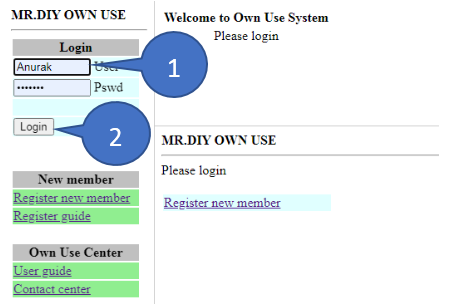
1. Approver must fill in the Username and Password.
2. Click Login.
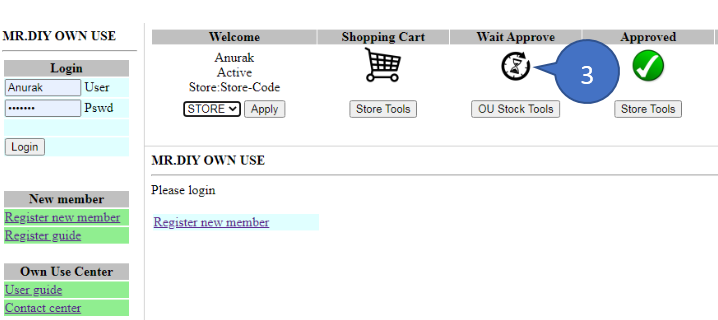
3. Click sand clock icon to see all order which waiting for approval.
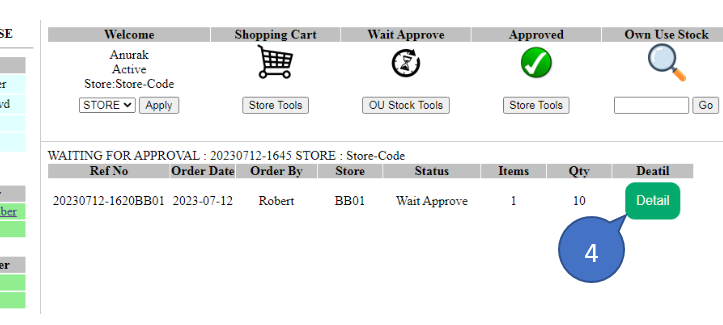
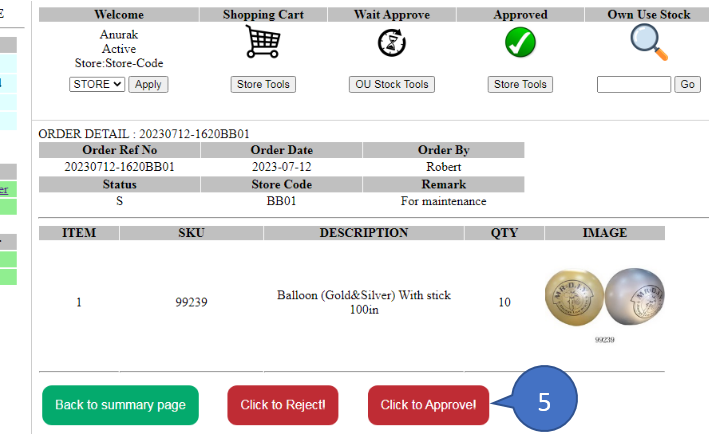
4. Click detail to see order detail.
5. Click to Approve!.
Approver can click Reject! to reject the order or click Back to summary page.
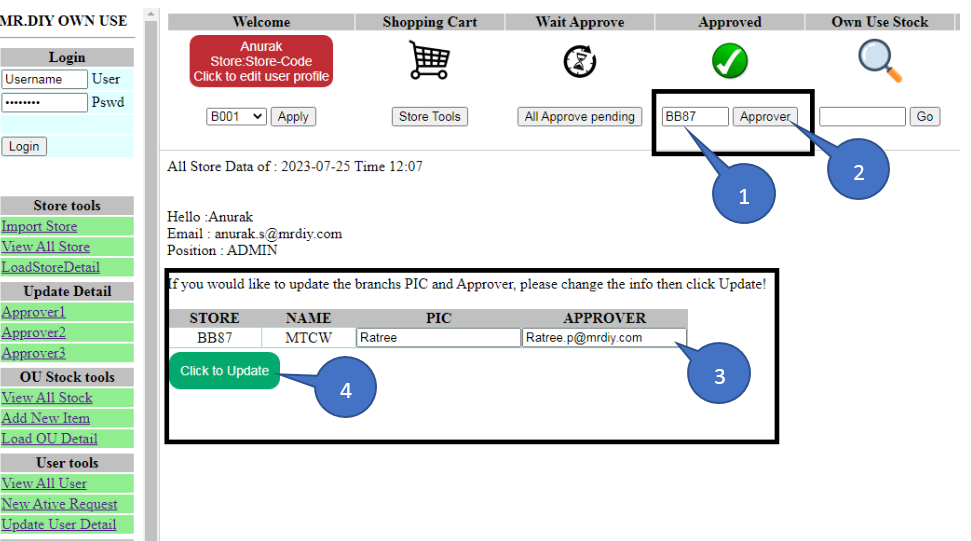
6 How to change Approver.
6.2 Click Approver.
6.3 Type new Approver email .
6.4 Click to Update .