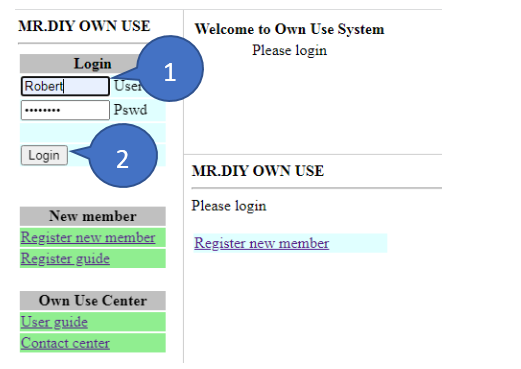
1. Fill in the Username and Password.
2. Click Login.
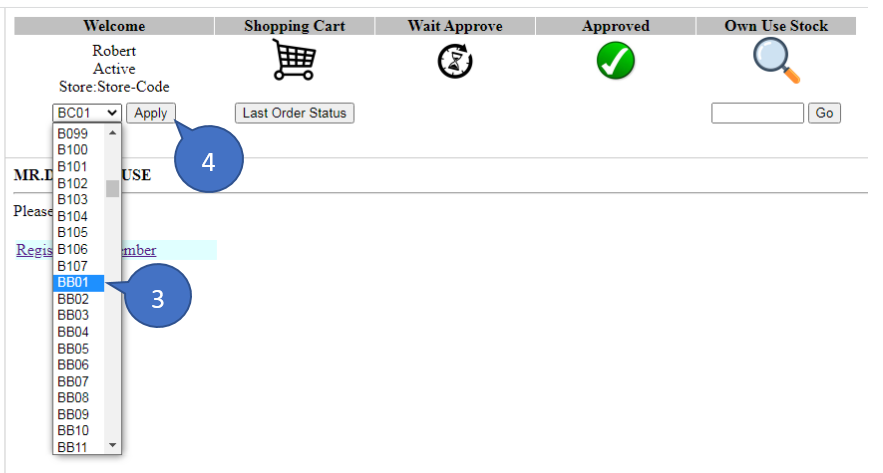
3. Select store to use and reorder.
4. Click apply to apply the store code.
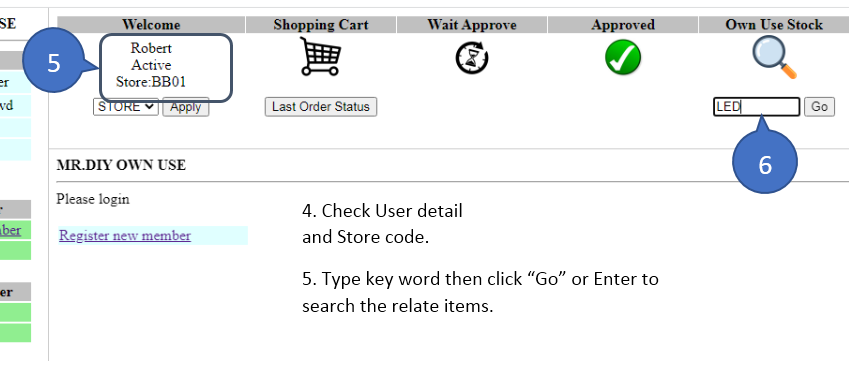
5. Check store status.
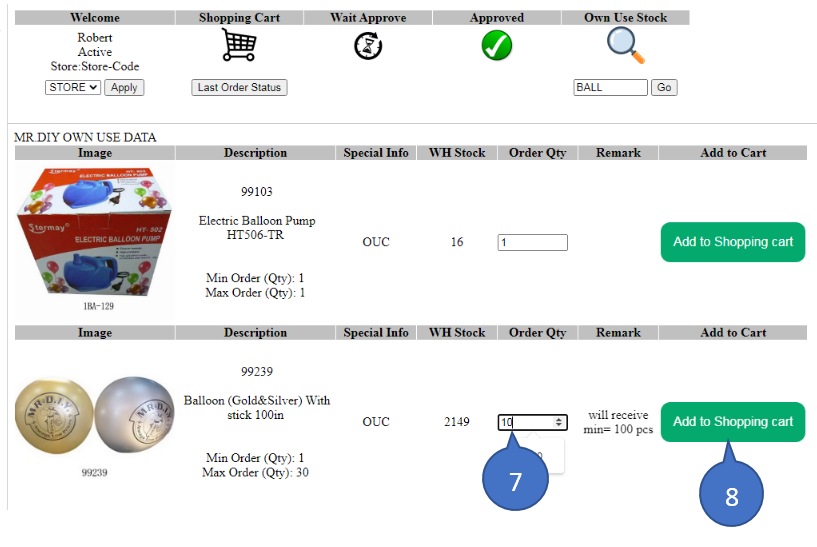
6. Type keyword for searching own use item then enter or click Go.
7. If found the own use item then change Qty to order in range of Min-Max.
8. Click to add the item to shopping cart.
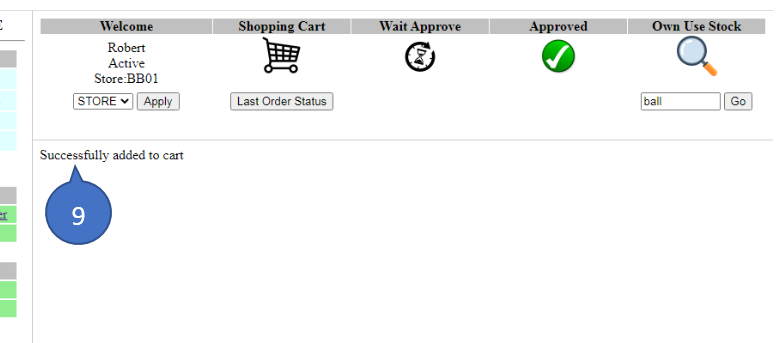
9. The messege Successfully added to cart will show if process complete.
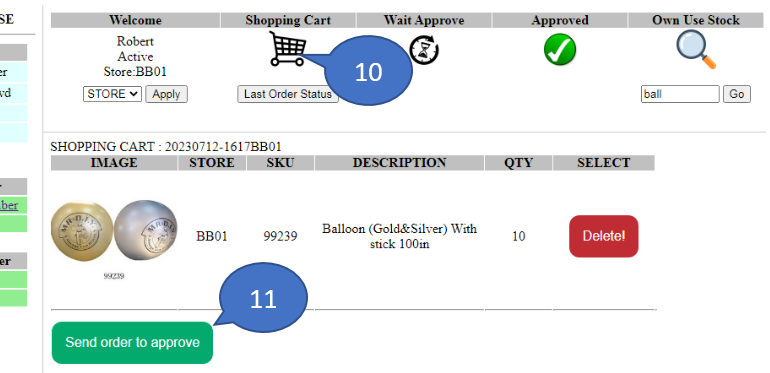
10. Click shopping cart icon to check the selected items in the cart.
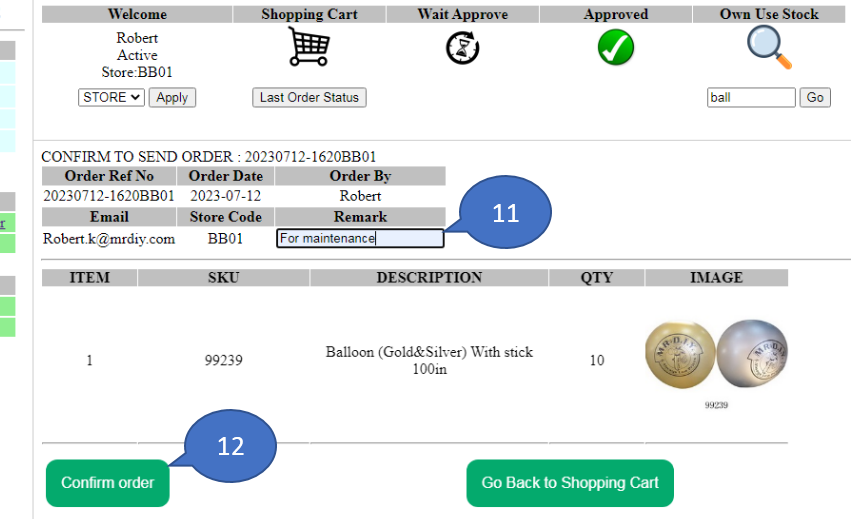
11. Click Send order to approve after adding all items to shopping cart.
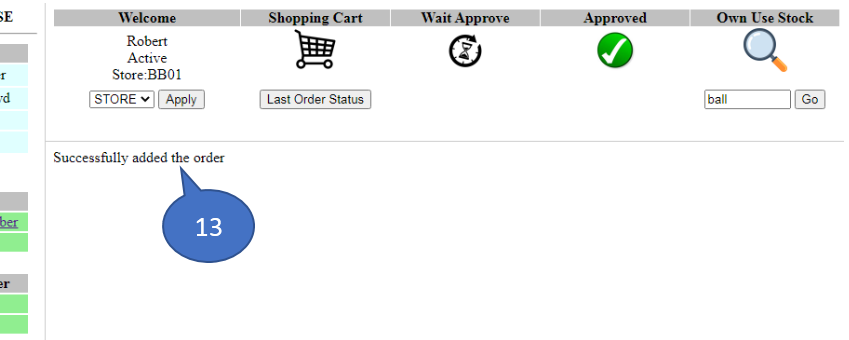
12. Click Confirm order.
13. The messege Successfully added the order will show if process complete.
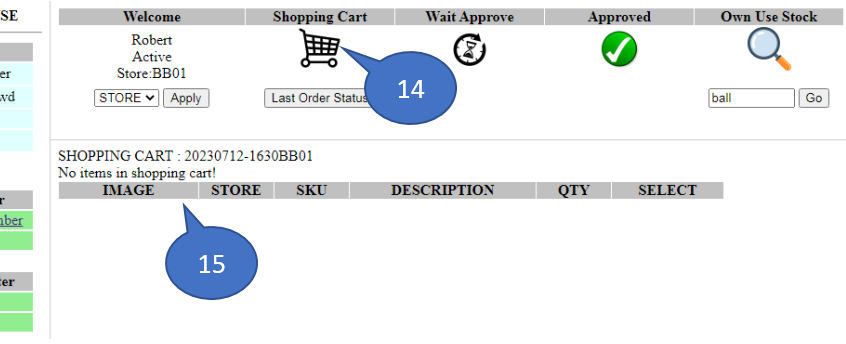
14. Click Shopping Cart icon to check order.
15. After click Confirm order the item in shopping cart must be empty.
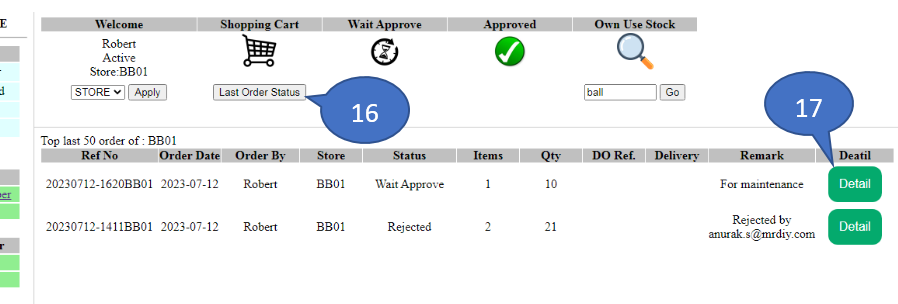
16. Click Last Order Status.
17. Click Detail.